01
Prompt
Describe the world, rules, and experience you want in natural language.
“A 3D world with interactions”SCREENSHOT / 01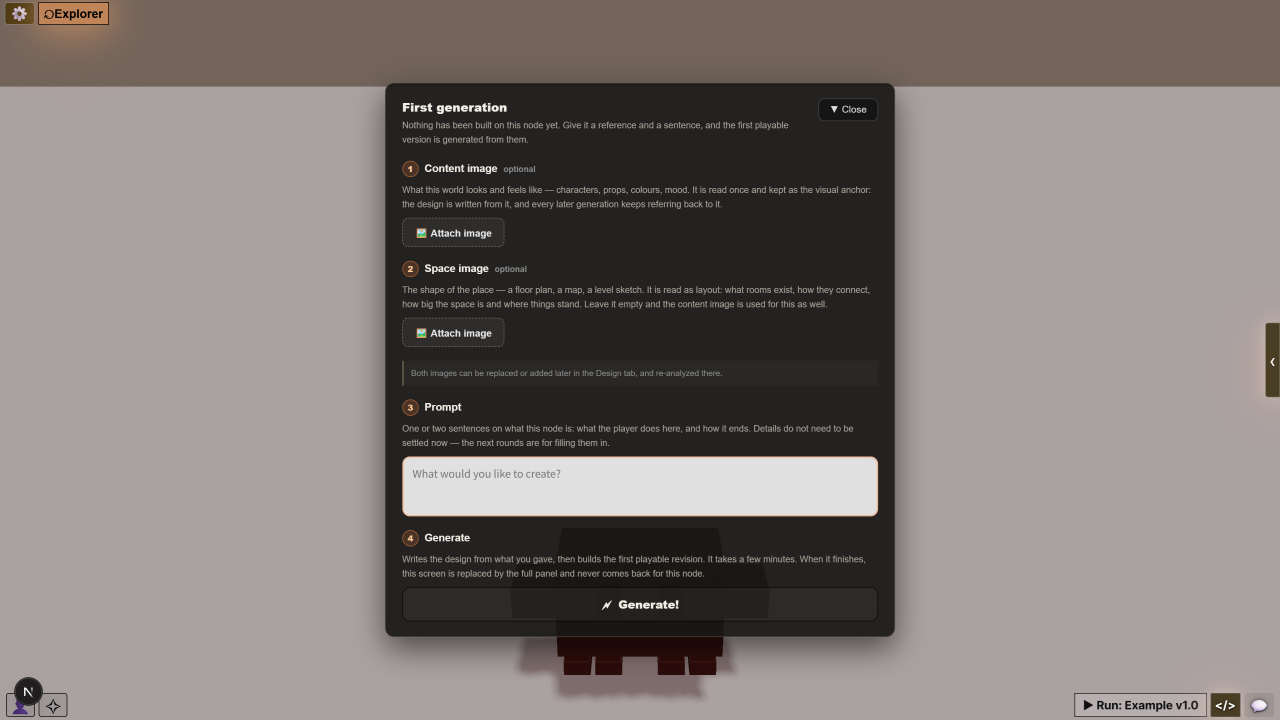
 ThreeMod
01 / AI-NATIVE GAME ENGINE
Build your world. Define how it plays.
ThreeMod brings AI generation and direct editing together on Three.js, from 3D assets and game logic to a playable project you can keep developing and share on the web.
Start using it for free right now.
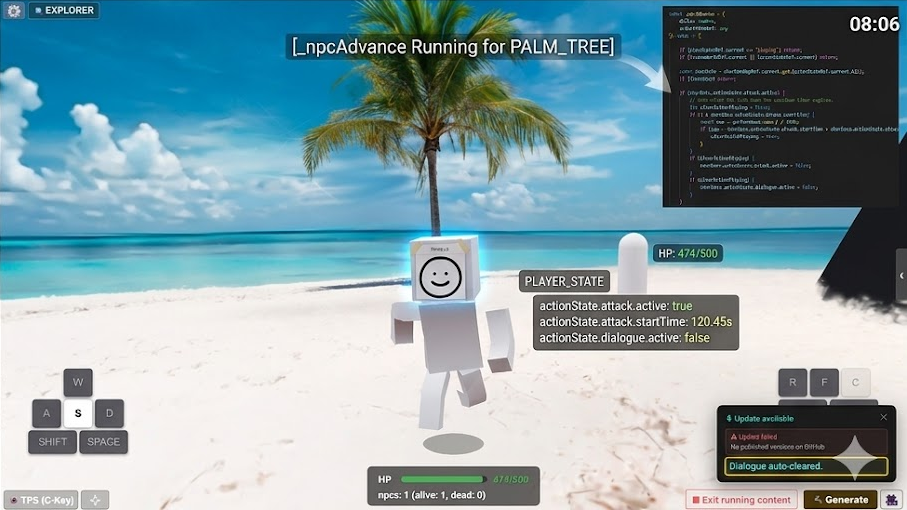
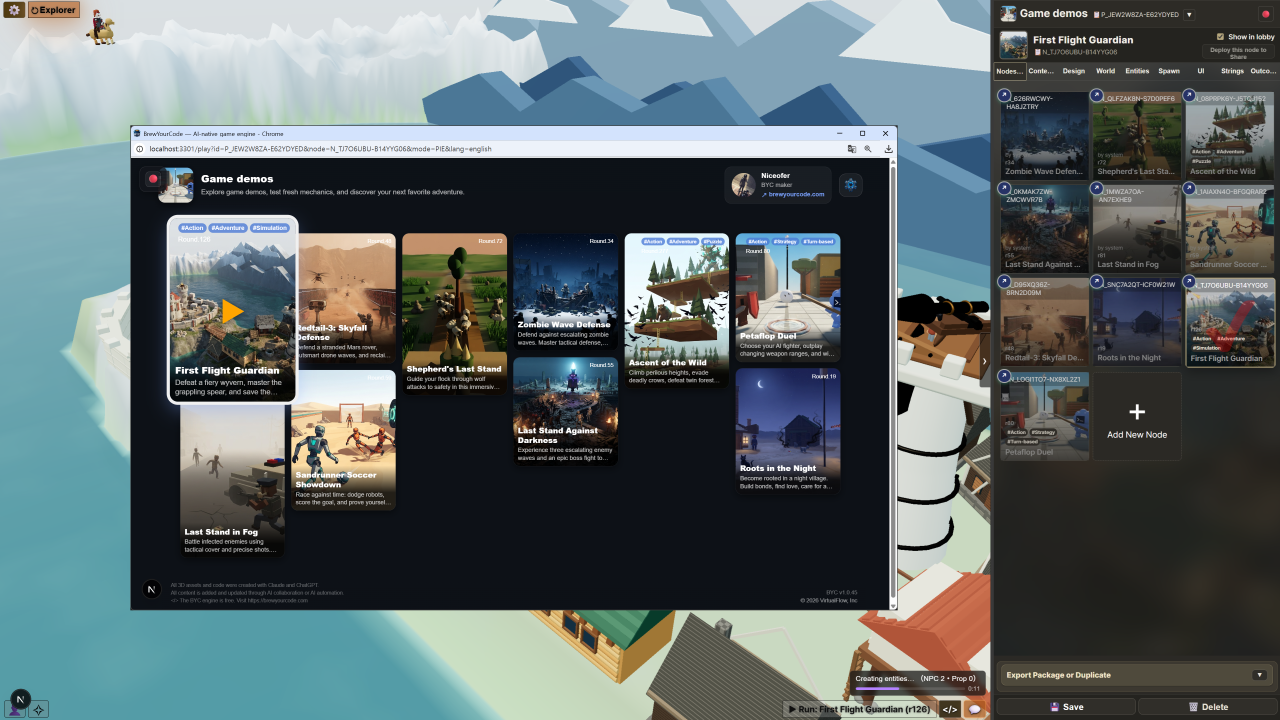
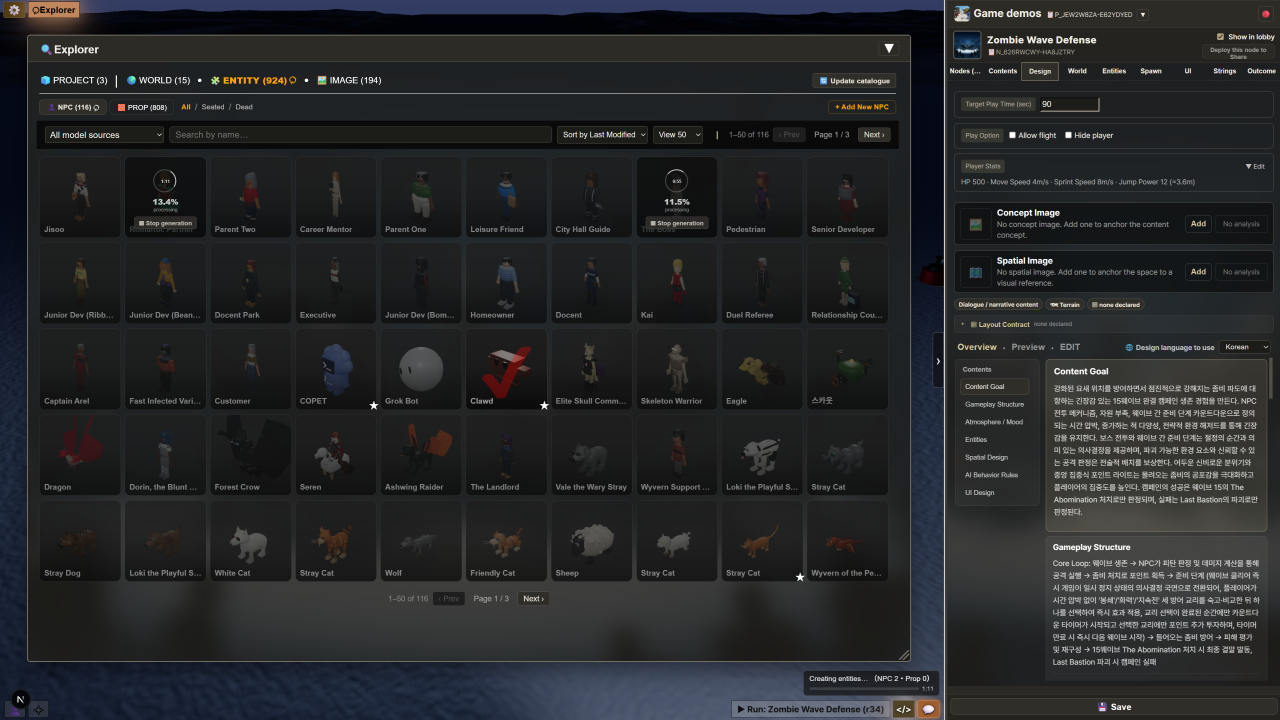
A world you can enter, edit, and share.
See it running
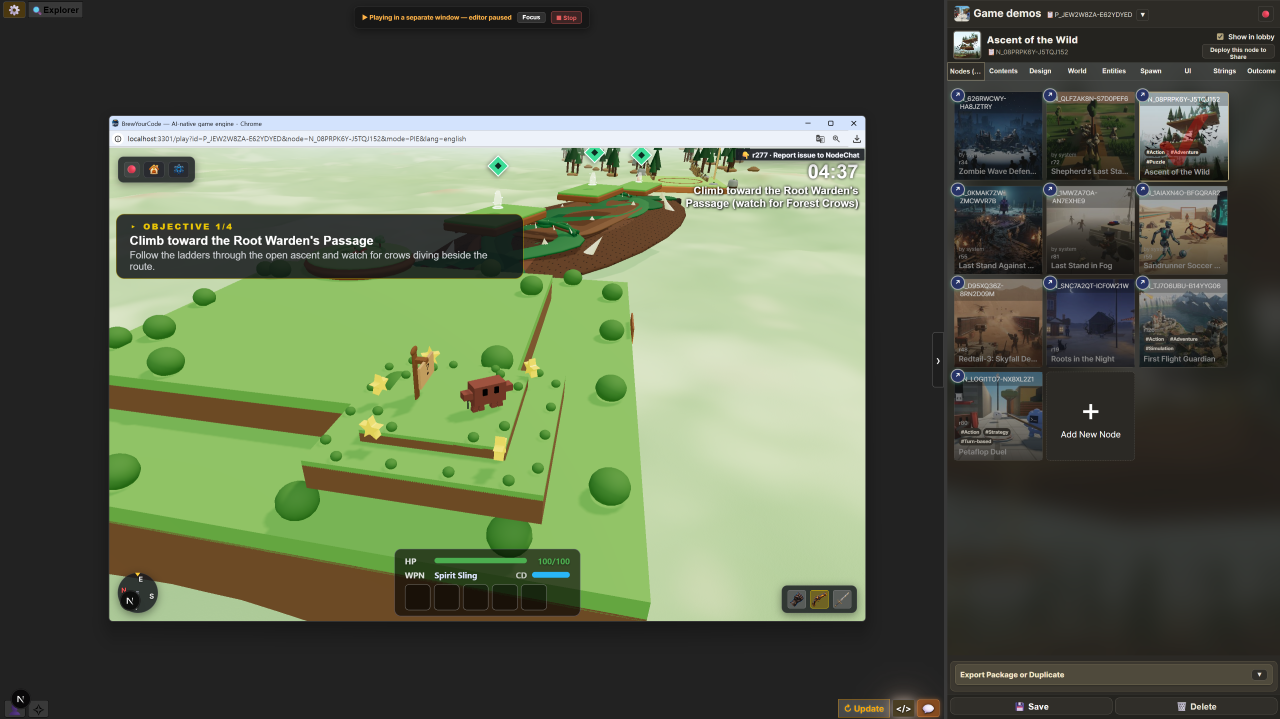
Explore worlds and interactions made with ThreeMod. Open either project and play directly in your browser, with no installation required.
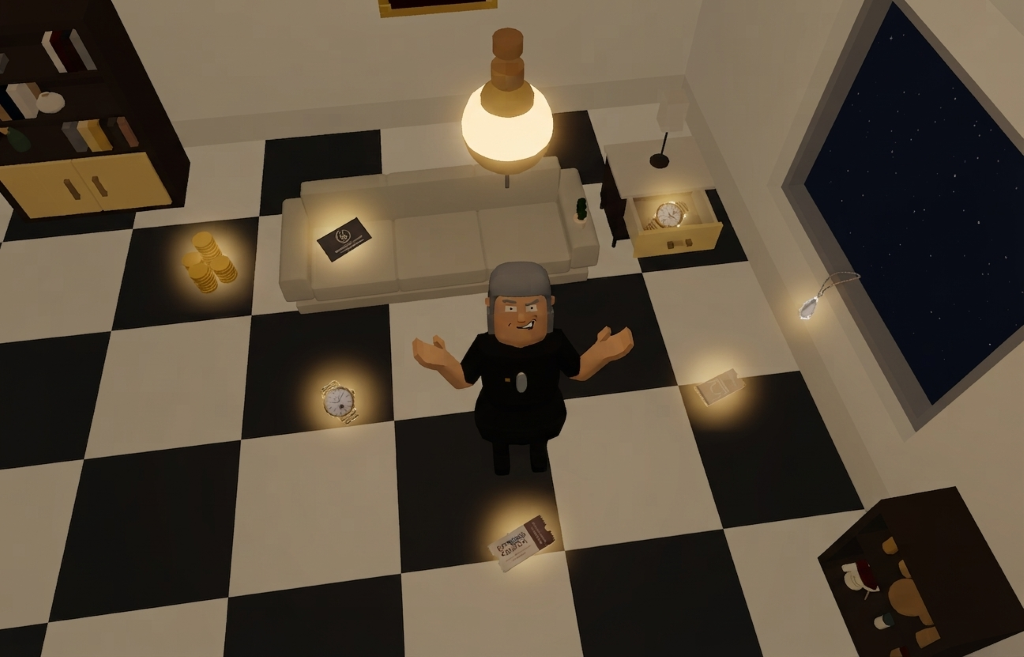
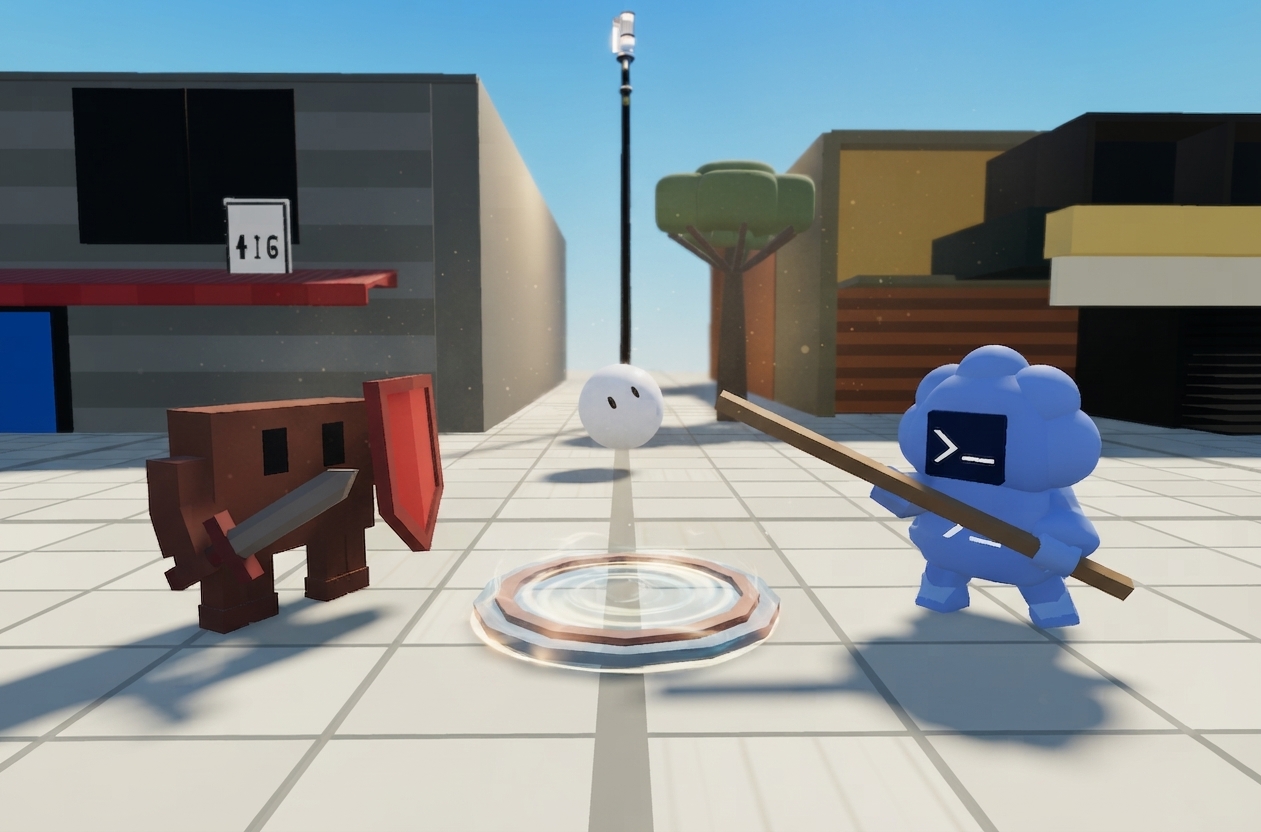
All 3D assets and environments in these demos were made in the ThreeMod authoring tool, using only an LLM and three.js.
01 · THE EDITABLE AI GAME ENGINE
One workflow for worlds, assets, and game logic. Describe what you want, shape it in the editor, and test it in play. Saved Snapshots let you revisit earlier versions and continue building.
AI produces the game, but the steps behind it are difficult to reopen and change.
ThreeMod saves every step as a Snapshot. Return to any point, make an edit, or branch into a new version.
02 · FROM PROMPT TO PLAYER CONTROL
Start with an idea, generate a playable system, then use saved versions and direct edits to develop it further.
Describe the world, rules, and experience you want in natural language.
“A 3D world with interactions”AI creates the world, objects, game logic, UI, and data as a playable system.
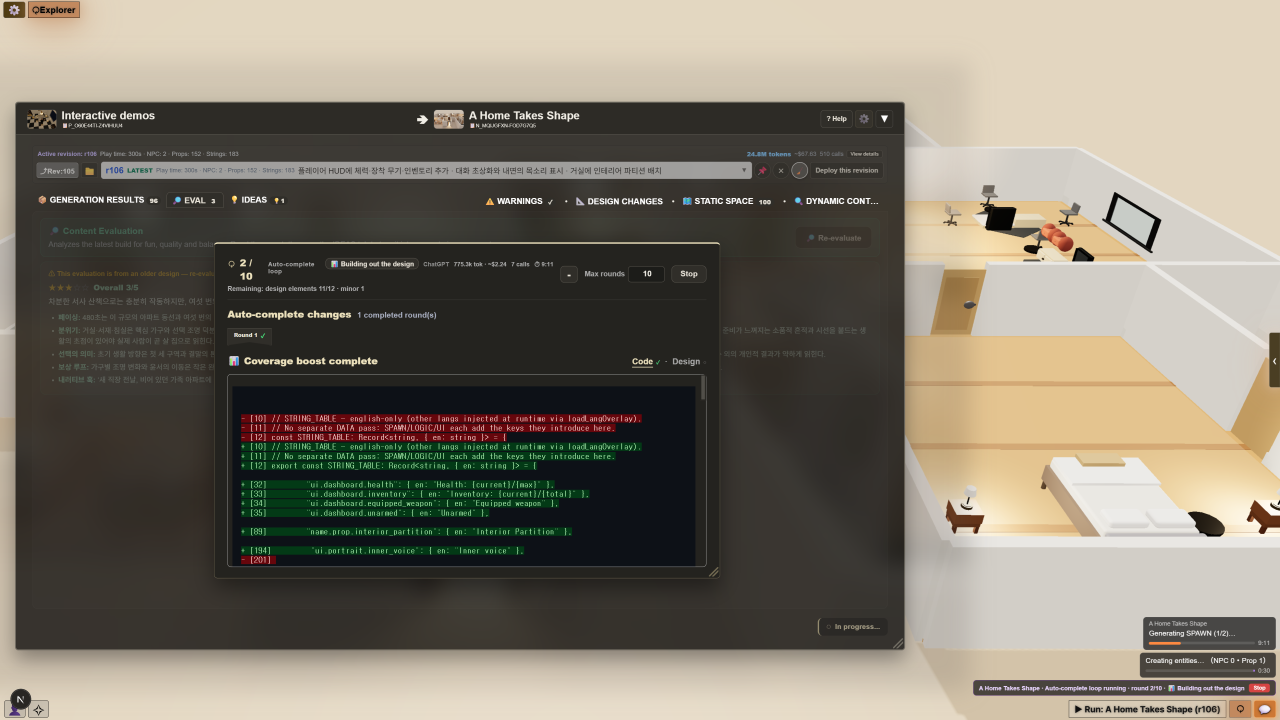
ThreeMod preserves the code, structure, assets, and settings from every stage as Snapshots.
Every step remains editable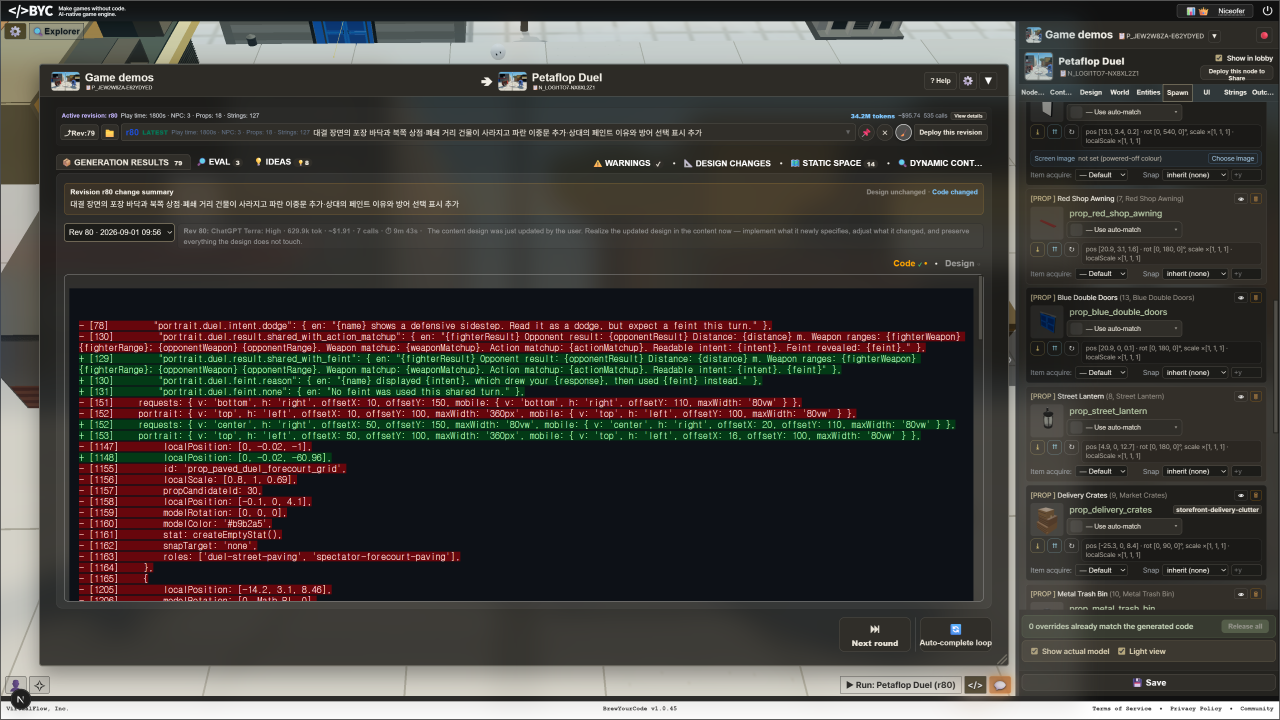
Open any Snapshot, change it directly, or branch in a new direction without starting over.
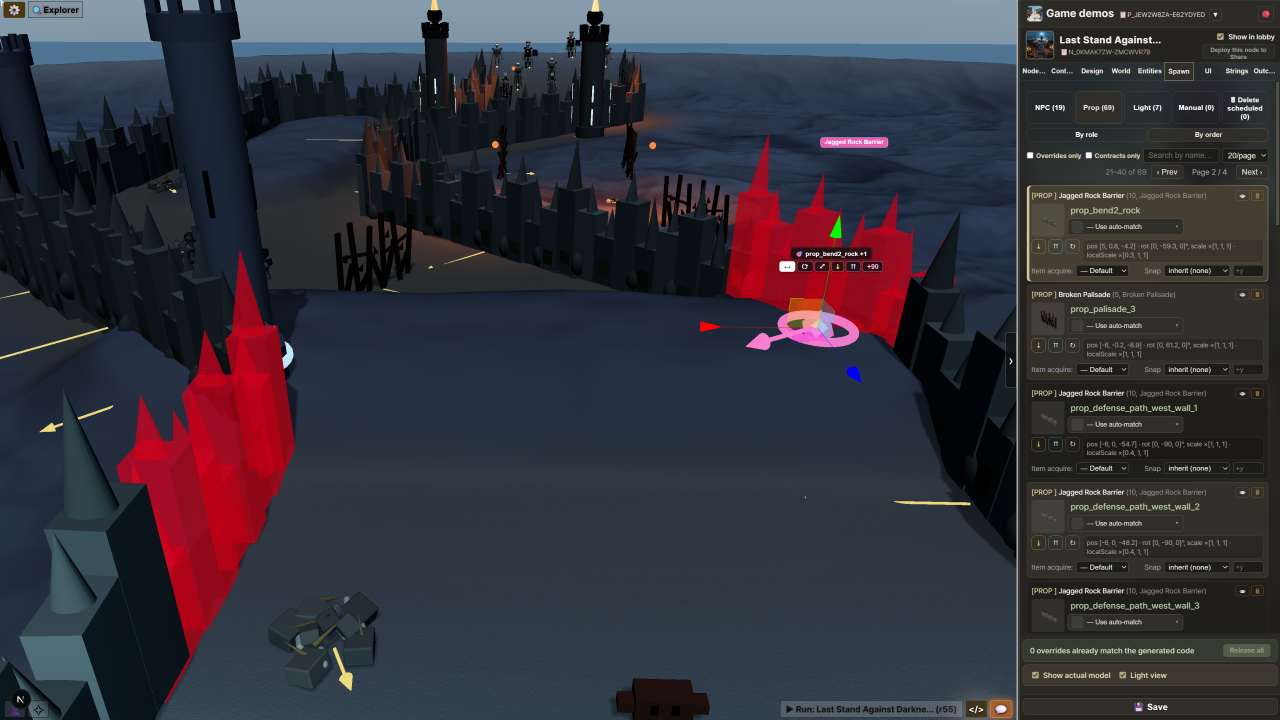
AI handles generation. You decide what to keep, change, and build next.
03 · EVERY STEP, PRESERVED
The finished game is not the only thing that remains. Its creation history becomes a reusable structure for editing and experimentation.
Return to the stage before a problem appeared.
Compare versions, then change only what you need.
Duplicate a Snapshot and try a different direction.
04 · FREE TO USE
ThreeMod can use the coding models you already pay for through Claude Code and Codex CLI. Connect them locally, keep your credentials on your machine, and generate without adding a separate API key or usage-based API bill.
Use a Claude Pro or Max subscription through the local Claude Code CLI.
npm install -g @anthropic-ai/claude-codeclaude once and sign in with your Claude account.Use your ChatGPT subscription through the local Codex CLI.
npm install --global @openai/codexcodex login and sign in with ChatGPT.No API key is required for either subscription mode. Your subscription provider may apply its own plan limits; ThreeMod does not charge a monthly fee.
Create projects with the ThreeMod desktop app for Windows or macOS. Connect Claude Code, Codex CLI, or your own API keys, then export a portable project bundle.
Player source distribution is currently in preparation. Download, setup, and self-hosting instructions will be provided when it is released.
Claude Code, OpenAI Codex, and Google Gemini calls go directly from your machine to the provider. Prompts and content do not pass through ThreeMod servers, and your API keys are never uploaded.
Use Claude Code or OpenAI Codex with your own credentials. Open Option → AI keys to connect Claude Code, an OpenAI API key, or the local Codex CLI. See the setup guide.
Describe your intent and compose NPCs, props, and worlds. Generate 3D assets and game logic, then refine the result through editing and play.
Export a project bundle from the desktop app. Running it on your own server will require the player source, which is not yet distributed.
Player source distribution is currently in preparation. Download, setup, and self-hosting instructions will be provided when it is released.
Link your own Telegram bot to get progress notifications with screenshots as an auto-complete run works, and start or stop runs from anywhere — all with buttons, no typing. No install, no public server, no port forwarding. (Beta) Setup guide →